 chuck.
Alex began with a second-hand phone that cost me 100 yuan.
I spent fifteen years working in finance, with a Cisco phone on my desk. Pick up the receiver, press a button, talk, hang up. After doing that for so long, my fingers knew the routine before I had to think about it. When I moved into a different industry, most work calls came through my mobile. Holding it, finding the answer button on the screen, feeling my hand get tired after a few sentences—I never quite got used to it.
One evening, I searched Xianyu, a Chinese second-hand marketplace, and found a Plantronics Calisto P240: 100 yuan, delivery included. I bought it. A few days later, I opened the parcel. The plastic had yellowed a little. The cable sprang into a loop across the desk. The rubber on the red and green buttons showed signs of use.
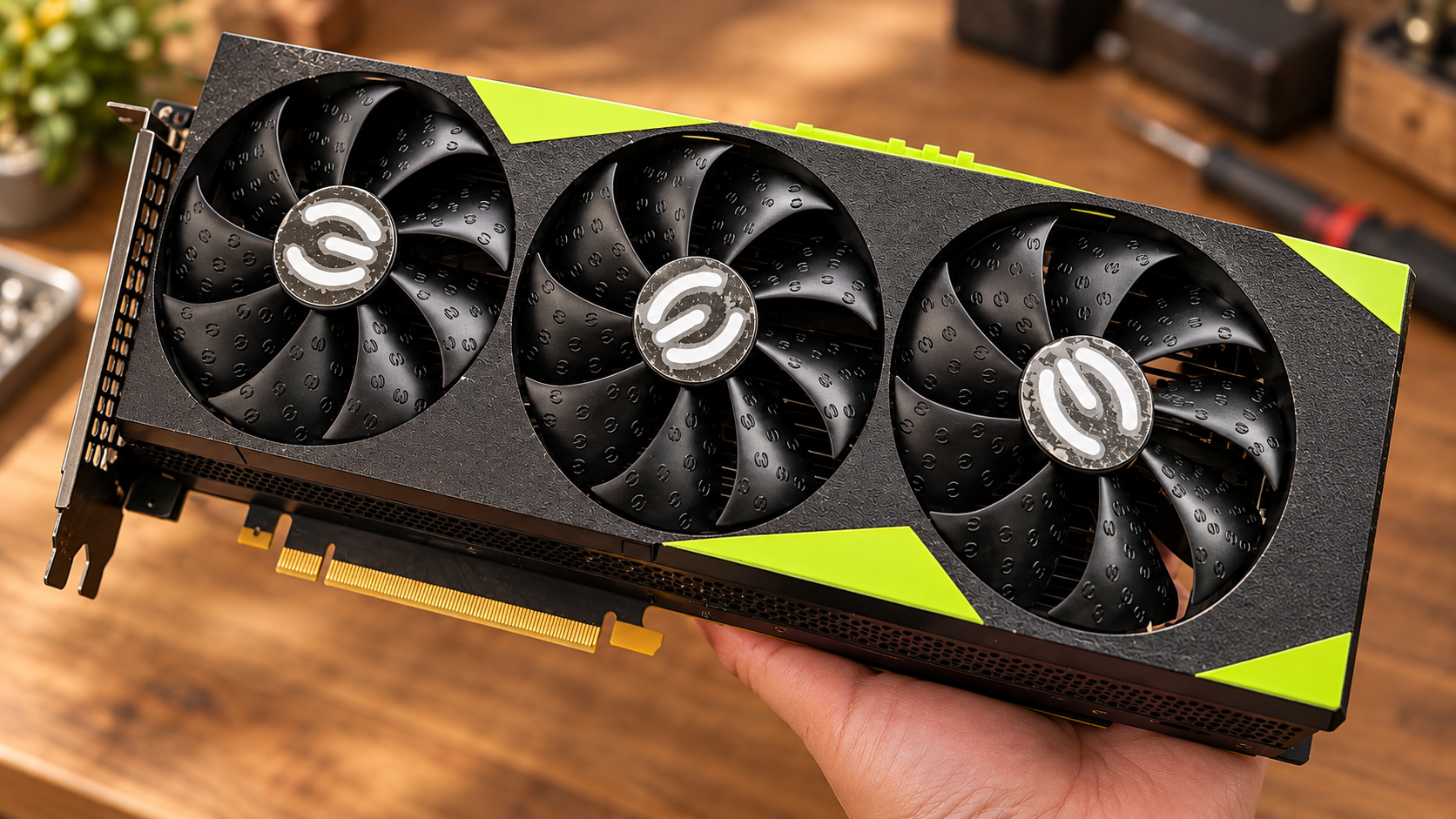
That is the phone in the photograph. It connects to a computer by USB and has a receiver, a number pad, and two familiar call buttons. I bought it to make work calls feel familiar again. I had no idea it would become my way of assigning work to AI.
Getting the buttons to work
Once I plugged in the P240, I learned that audio and buttons were two separate problems.
The computer recognised its microphone and earpiece. The device appeared in the system settings. But pressing the green button did nothing in WeChat. To the computer, it was an accessory that could receive and play sound. The red and green buttons meant nothing yet.
I asked Codex to build a small utility: take the signal from a phone button, find the answer or hang-up button in WeChat or WeCom, and click it for me. It sounded like connecting one button to another. First, though, we had to discover what signal this old phone actually sent and where the call window was on the computer.
The WeChat utility remained a prototype. It was later, while building Alex, that we gradually sorted out control of the P240 itself. We tried reading the USB button signals directly; that did not go smoothly. Then we tried the manufacturer's Plantronics Hub software. That worked. The green button could answer, the red one could hang up, and the screen showed the call status, with a timer counting the seconds.
When that timer first appeared, I held the receiver and said “hello” twice to nobody. Then I laughed.
I could not read those interfaces or write the code to handle them. My part was straightforward: sit at the desk, press each button, and tell Codex what happened. This button did nothing. That action was wrong. The sound worked, but the screen had not caught up. Codex changed the code. I still had to use the phone to find out whether the change was any good.
A line back to my computer at home
Around then, I was connecting remotely to my home computer every day to use Codex. My files were there, along with the things I had already made and the conversations about earlier work.
Remote desktop did the job. But each time I thought of something, I had to connect, wait for the screen, find the right window, and type it out. Sometimes I only wanted to say, “Change the third page of yesterday's template.” Connecting and looking for the window was enough to interrupt what I was doing. For a simple instruction, I wanted to speak.
There was a phone on my desk and a computer at home that could do the work. I started thinking about connecting them.
Then I saw a video of someone talking to AI through an old telephone. It was a plain setup, without any new gadget. It gave me a practical idea: the phone did not have to be new. What mattered was what it could reach at the other end.
I called the assistant Alex. I wanted it to understand Chinese and usually reply in English. More practically, it needed to know where my files were, recognise templates I had used before, and continue existing work. I wanted to pick up the phone, ask for a document, a revision, or an old reference, then get on with something else and check the result later.
From a voice API to Codex
The first approach used a separate real-time voice API. It would provide an AI that could listen and talk, then pass the actual work to Codex. We had written the program, but I had not yet connected an API key or tested a live conversation when I realised this route meant paying extra API charges.
I was making a useful little tool for myself, partly for the fun of it. I already used Codex and did not want another bill just to connect a telephone. I put that approach aside.
Next, we used the dictation feature built into the Codex desktop app. The P240 in the office captured my voice. Tailscale connected the two computers and carried the audio home. On the home computer, VB-CABLE, a virtual sound card, fed that audio into Codex. Tailscale let the computers reach each other; VB-CABLE put the sound into the right software. Neither name meant anything to me when we started. I learned what they did as we went.
The intended flow was simple enough: I would speak into the receiver, then press the red button to hang up. The home side would stop dictation and submit the transcribed task to Codex. Once the work was done, the phone would ring back and read me the result. Getting all of that to work reliably was another matter. This approach did not require a separate voice API key in the phone program; it used the Codex session already signed in on my home computer.
After trying it for a while, I wanted to move towards live conversation through Codex Voice. Turning speech into text still fell short of the assistant I had in mind. I wanted a short conversation first. Alex could ask a question if something was unclear, then take the task. I also wanted it to recognise and pass on a task before the whole call ended.
AI helped me build the Windows application in C#, with an office side and a home side. The office side handled the phone, my input, and the replies. The home side handled Codex and the files. We worked out that division as we went. At the beginning, I could not have drawn a system diagram, let alone named its layers.
Waiting for a phone that never rang
The next problems were much more specific than I had imagined.
Sometimes the audio reached home, but the return audio was wrong. Sometimes the call connected before Codex's voice interface was ready. I spoke into the receiver and got no response. I wanted it to behave like an ordinary call: a few rings, then I could talk. Behind that familiar action, the program had to prepare audio devices, a session, and a window. We kept adjusting the order: get the home side ready, then tell the office side it was safe to start.
I chose the sounds too. For incoming calls, I wanted the desk-phone ring from 24, that urgent rhythm that makes you reach for the receiver. For outgoing calls, I wanted an ordinary ringback tone. If the connection was up but Alex still needed a few seconds, the ringback had to continue. Silence in the receiver makes you think the line has dropped. Those details mattered to me because I encountered them in the first second of every call.
One incident stayed with me. Alex's text reply said it was preparing to call me back. I sat in the office and waited. One minute, then two. The receiver lay quietly in its cradle. Nothing rang.
I looked at the phone for a while, then started tracing the problem.
It came down to something I had not known about. My home computer was sitting in a Windows Remote Desktop session. Windows had switched its audio environment to “Remote Audio.” The VB-CABLE device that Codex Voice needed was not available in that session. The callback had got stuck before it could begin.
I did not need to understand the code to know the work was unfinished. The phone was supposed to ring, and it had not. We had to keep looking beyond a nicely worded reply.
We added audio-device checks and revised the messages for “task received,” “working,” “sending failed,” and “no result received.” As I write this, the calls and automatic callbacks still need work. I use the interface and features we have built every day. Where a connection has not worked, I have to say so.
Picking up where we left off
Another problem was that a message could reach home but land in the wrong conversation.
I wanted Alex. Once, a task from the office went into the chat where we were developing the phone program. The message arrived, but that conversation did not have the context I expected. Which file had we changed yesterday? What were we continuing today? I had to explain it again. It was like having an assistant whose first day at work started every morning.
I kept working on a fixed conversation and task routing. I wanted one Alex that knew this work: the phone would take my instructions, while the actual tasks went to the existing work conversations. Voice, text, and files needed to stay attached to the same piece of work.
Later, I added text chat. Some instructions are long, contain names and numbers, or need a passage pasted in. Typing is easier than reading all of that down a phone. During one session in late September, I could retrieve material from the office side and the replies were reasonably quick. But we still had problems showing how far a task had progressed and getting its result back.
Then came queuing and retries. If Codex at home was busy, a new request had to wait safely until it was free. The finished reply needed to return to the office. Producing a file on the home computer was not enough if I received nothing at my desk.
I also asked for the office window to look like a terminal from The Matrix: black background, green text. At my age, I have a soft spot for that screen.
The first version looked busy, but using it exposed too many borders and status messages. I asked Codex to keep changing it. Make the input area obvious. Let me enlarge the text. Let me find earlier inputs. Show hints for common commands. A notification in the corner only needed to tell me Alex had replied; it did not need to squeeze in the entire reply.
None of these requests was grand. Something felt awkward, so I wanted it changed. That is how Alex grew, little by little, from a program for answering calls into somewhere I could go to give work instructions.
I started asking for my own software
I used to think you had to learn programming before making something like this. I have no technical background or training in writing code. I still could not write this program myself. But I can take part in making it: explain why I need it, try a small version, find what is wrong, and work through another round with AI.
It has never been a matter of saying one sentence and having everything done. Audio devices fail. Messages go to the wrong place. A new version needs another test. Sometimes I cannot even understand the error message, so I paste it into Codex and ask it to investigate. Deciding whether the software has actually solved my problem has remained my job.
That experience has changed how I see AI. I increasingly believe it will create more needs and more work. Plenty of ordinary people have ideas, but hiring a developer seems too expensive and learning to program seems too far away. The idea passes, and nothing happens. Now some of those small needs have a chance to become something usable.
In my case, buying the phone was only about taking work calls in a different way. Then I wanted a connection home, spoken instructions, continuity with yesterday's file, and a call when the work was ready. As one request took shape, the next became clearer.
People still have to understand the work, work out what they need, try a tool, find its awkward parts, and decide whether the result is right. An AI that can write code has let someone like me take part in that process. I do not believe it means there will be less and less work for people. What I see is people starting things they previously had no practical way to attempt.
I am still not a programmer. But I can now seriously ask my own tools to do a little more of what I need.
The P240 on my desk is still the same old phone I bought for 100 yuan. Alex will keep changing. Making a piece of software for myself no longer feels like something far beyond my reach.