 chuck.
I started experimenting with local AI on a secondhand laptop.
Then I added an external graphics-card dock and bought a V100. The equipment came together one piece at a time. I had no programming background. I didn’t begin by designing a complete AI workstation. I started with something I wanted to do, checked whether the computer I had could do it, and added what was missing.
Transcribing recordings, translating, and working through long documents are all things I encounter in everyday work. Some material needs to stay on my own computer, so I asked Codex to help me connect local models. At first, being able to ask a question and get an answer felt like a worthwhile return on all the fiddling.
As I added more tools, though, the problems started happening around the model’s answers. Which program was using the GPU? Was the previous job still running? When would the next one get its turn? More and more of that was left for me to keep track of.
One little tool to watch the GPU
Once the V100 was connected, I wanted to know whether it was still there, how hot it was getting, and how much graphics memory it was using. Typing a command every time I wanted to check was going to get old quickly.
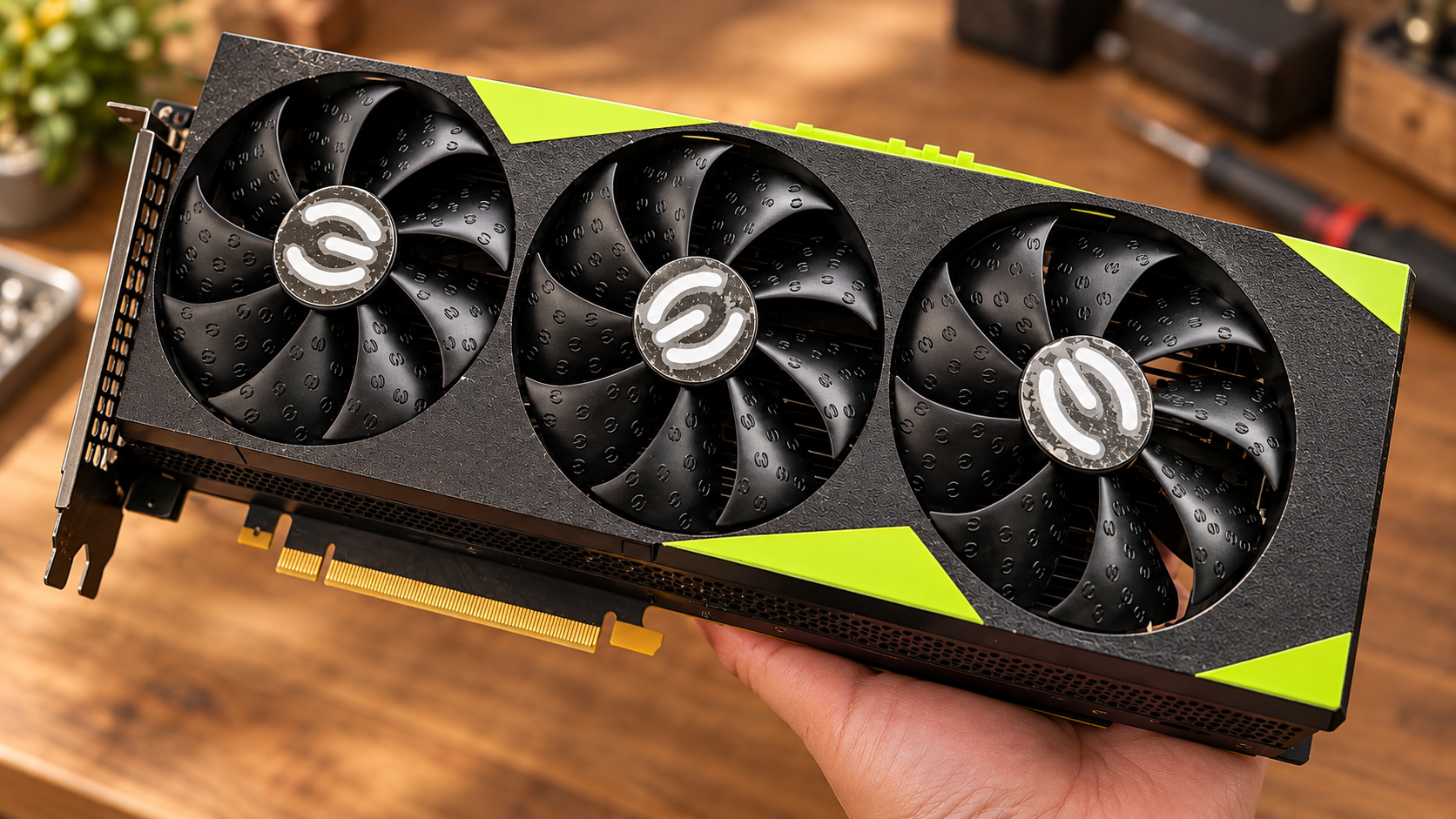
So I had a Windows tray monitor made, sitting down in the corner of the screen. A right-click showed the temperature, utilisation, graphics-memory use, and power consumption. I wanted the icon to look like a graphics card, too. We gave it a recognisable outline with two fans, so I could find it among the other tiny icons.
The first version didn’t have a main window. That led to an amusing misunderstanding: I thought it wouldn’t open. It was already running in the tray, but nothing large appeared on screen. Double-clicking it gave me very little sense that anything had happened.
Later, we added a startup notification and a message when I tried to open it again. That small change helped more than another row of measurements would have. I had to be able to find the thing before I could use it to watch the card.
At that point, it was just a monitor. I hadn’t expected it to end up managing a queue of jobs as well.
Two places to look at almost the same thing
By the middle of September, I was using Qwen’s 27B local model. Meanwhile, transcription, translation, and text processing were gradually getting their own places in my setup. The model centre showed models and jobs; the GPU monitor showed the hardware.
When I opened them, I found a lot of overlap. To find out what the computer was busy doing, I had to check two places.
My request at the time was straightforward: of course they should be combined. There was no reason for these things to have separate entrances.
We kept the V100 tray interface and let the model centre work in the background. I could check the hardware, see the model’s status and job queue, and start or stop the model from one place. Several programs were still doing different jobs inside the computer, but I didn’t have to hunt between them just to check what was happening.
That arrangement emerged from using it. I hadn’t suddenly acquired an understanding of software architecture. I simply knew that two nearly identical windows felt unnecessary.
One main GPU, and more jobs arriving
When I used one tool on its own, choosing a file and waiting for the result was often enough. Once several tools were connected, they started getting in each other’s way.
A transcription might still be running when I wanted a translation. A long document might be getting processed when another conversation sent a job to the local model. Each tool was ready to begin. That didn’t give me another copy of the model or another supply of graphics memory.
I needed those jobs to arrive in the same place. The model centre would remember them and work through them in order. The queue needed to be saved on the computer, too. Closing a window shouldn’t make the work inside it disappear.
Once we had a queue, I soon had another request: I wanted to change the order.
I said that I was perfectly capable of deciding which job was more urgent. Some could take their time; others were needed immediately. I wanted to drag a job forward, make it the next one, cancel it, or put it back in the queue.
“Run now” also needed to account for the work already underway. What would happen to the parts already finished? How would an interrupted job continue? I needed clear answers to those questions.
I kept finding that I could explain the next requirement only after the previous feature existed. Before the queue, the computer’s busyness felt opaque. With a queue in front of me, I could start thinking properly about how I wanted to arrange the work.
I closed LM Studio, and it opened itself again
One small problem during the integration has stayed with me.
I didn’t want LM Studio running all the time. I could open it myself when I needed it. Yet I would close it, and a little later there it was again.
We eventually traced this to the monitor checking whether it was running. To read its status, the monitor called LM Studio’s command-line tool. That call woke the application up.
I had a program whose job was to find out whether another program was open, and the act of checking was opening it for me.
After the fix, the monitor first checked whether an LM Studio process already existed. If it did, it could read the model status. If it didn’t, it would simply say “LM Studio is not running” and leave it alone.
The model’s intelligence had very little to do with this problem. Whether a background tool could sit quietly on my computer had a direct effect on whether I wanted to keep it there.
Freeing the memory meant waiting again next time
As the models I used got larger, I encountered a trade-off I hadn’t thought about before: should an idle model be unloaded?
During a check in September, the 27B model had been idle for three and a half minutes and was still occupying roughly 27GB of graphics memory. On a 32GB V100, that was a substantial share. If another tool needed the card, I naturally wanted the model to make room.
But unloading it meant loading it again the next time I asked it to do something. One cold load we measured at the time took about twenty seconds.
I had thought that freeing the memory would settle the matter. Instead, the next question came with another wait. After that, when something seemed unresponsive, I couldn’t look only at how quickly the model generated text. It might be waiting in the queue, loading, or experiencing an actual error.
The status needed to tell me which one was happening. Then I could decide whether to keep waiting or arrange the work differently. A spinning animation didn’t give me much help with that decision.
For long jobs, I started taking a number
Another problem was a long job holding up the conversation.
If I handed a large document to the local model and the request waited for the whole job to finish, I was left waiting with it. A long wait could end in a timeout. Before anything came back, it was difficult to tell whether the material had arrived or whether processing had even started.
We changed to asynchronous submission. That means submitting the job and getting a number back straight away, while the work continues in the background. I could get on with something else. Later, checking that number would tell me whether the job was queued, running, or had a result ready.
Results needed to be saved as files, and failures needed an explicit status. A request that didn’t come back shouldn’t leave me unable to find the work that had already been done.
Technically, it was a different way of making a request. The difference I felt was simple: I used to stand beside the job and wait. Now I could hand it over, keep the number, and come back for it.
A model can refuse a document that is too long
After using the system for a while, we also had to set limits on the material going in and the output coming back.
On September 25, we checked 325 historical job records. Three requests had inputs so long that the service rejected them outright, producing nothing. Ten others had their output cut off partway through.
A job marked as finished didn’t necessarily mean I had received the whole result.
We made some rules after that. Search, condense, or split long material before submitting it. Tell the model which columns are needed and what belongs in each field, then have it fill in a fixed table or JSON structure. Don’t leave it to decide how to organise the entire result. Split the output as well. A long table shouldn’t depend on one request writing every row from beginning to end.
I also tried asking the local model to write an article within a set length. The request was for 600 to 800 Chinese characters. It returned 1,189. The writing read smoothly enough, but it hadn’t followed the requirement.
Since then, I’ve preferred to give it repetitive work: translating, proofreading, and extracting facts from material. One value in each field, with the numbers and source locations kept available, makes the result easier for me to check. Deciding what the facts mean, choosing what deserves to be written, and settling the final tone still need work from me and my main assistant.
A model’s ability to write doesn’t establish its suitability for every writing job. Giving it work that fits its abilities has saved me more effort than continually asking it to take on a little more.
The model changed; the queue stayed
Recently, I’ve been connecting Qwen3.8-Flash-Next 125B to the model centre. The program that runs the model has changed to Strata, which loads it when needed. This route still needs more work with actual jobs. A response from the service still leaves things to check: has the whole file been processed, and is the result usable? The number 125B won’t, by itself, settle my questions about waiting, memory, or whether a result is complete.
I don’t want the whole system tied to one model’s name. If I change models again, I still want to keep the habits of submitting jobs, checking the queue, changing priorities, and saving results.
Starting with a secondhand laptop, an external graphics-card dock, and a V100, I had only wanted to do a few things on my own computer. Somehow, that led to a monitor, a model centre, a queue, and several sets of working rules.
I still couldn’t sit down and independently write these programs from scratch. AI helps me make the software. My part is to notice problems while using it every day: why are there two places to check, why has a program I closed opened again, and why can’t I tell what happened when a job gets stuck?
None of those little problems sounds much like a breakthrough in a technology headline. All of them affect whether I’ll want to open the tool again tomorrow.
I like continuing in this order: have something to do, make a version I can try, use it, and then add the requirements that have just become apparent. I bought the equipment gradually. The software can grow gradually, too.